

Virtual Phone Number App — Get OTPs on Your Phone
The mobile experience lets you get a virtual number, receive SMS verification codes, and manage your balance — all from your phone. No PC needed.
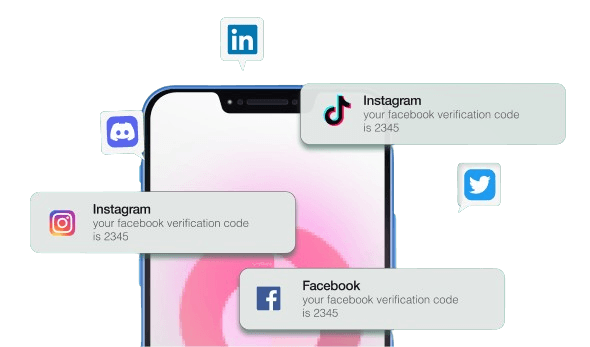
Your virtual number, in your pocket.
The service is available as a mobile-optimized web application — no download required. Open it in your phone’s browser and access the full platform: browse number inventory, buy a virtual number, receive OTPs, and check your balance.
The mobile experience is built for speed. From opening the app to receiving a verification code takes under a minute.
Full virtual phone number management on mobile
Browse numbers
Filter by country and service to find the right number.
Buy a number
Purchase in one tap, number reserved immediately.
Receive OTPs
Verification codes appear in real time.
Manage balance
Top up your wallet and track spend.
View history
See all past number purchases and received SMS.
Get your OTP in 3 taps
Open the site on your phone
Visit the site on your mobile browser. Log in or create a free account.
Pick a number
Choose country and service. Confirm the price and buy.
Receive your OTP
Enter the number in the app you’re verifying. Your OTP arrives on screen immediately.
Virtual number apps replace physical SIM cards for verification.
Physical SIM cards are expensive, tied to carriers, and fill up with spam once you use them for sign-ups. A virtual number app gives you a fresh number for every verification — at a fraction of the cost.
Registering new apps without using your personal number
Testing mobile-specific verification flows
Getting a US, UK, or Indian number while travelling
Keeping work and personal verifications separate
Virtual Number App FAQs
Everything you need to know before you get started
The service is available as a mobile-optimized web app. Open it in Safari or Chrome on any phone for the full experience.
No. A connection is required to request numbers and receive SMS.
Yes. Pricing is identical across all platforms.
Yes. Use your browser’s ‘Add to Home Screen’ option to create a shortcut that opens like a native app.
Still have questions?
Our support team is available 24/7 to assist you with any inquiries.
Your virtual number app is ready. No download needed.
By creating an account you accept our Terms, Refund Policy, and Acceptable Use Policy.